Export & Edit SQL Results
Export query results beautifully or edit them inline like Excel and write changes back to SQL Server — without leaving SSMS.
- No subscription required to try full features
- Works offline — data stays on your machine
- Easy installation — ready in minutes
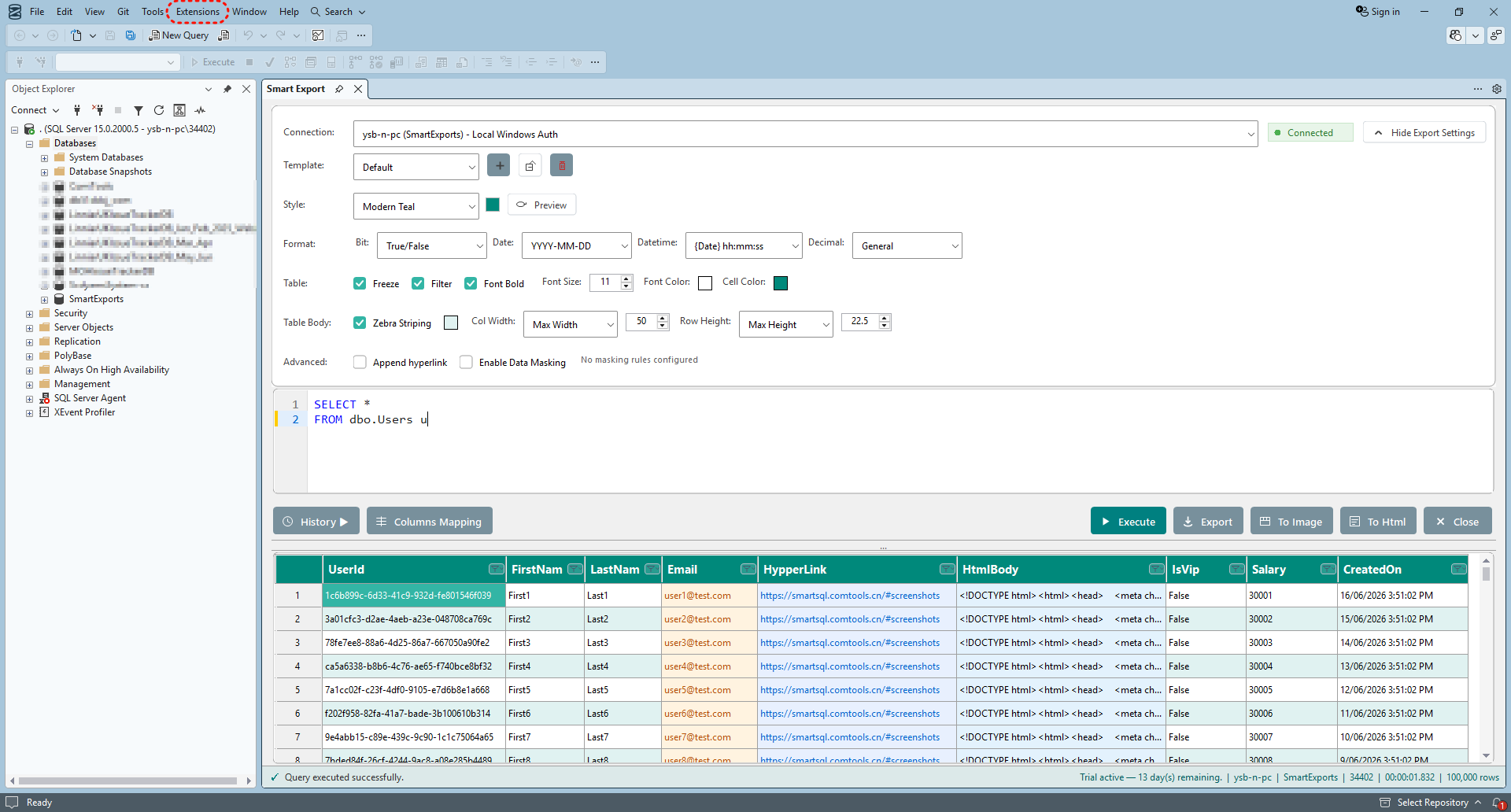
Smart Export
One-click export to polished Excel, HTML and images — built for presentation-ready output.
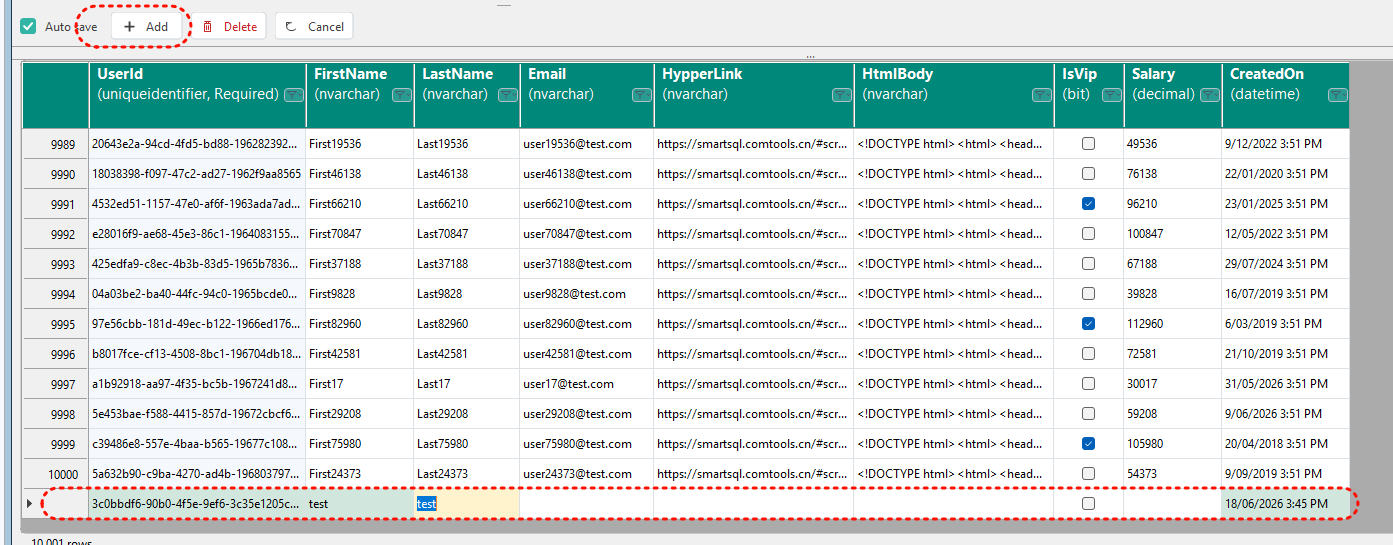
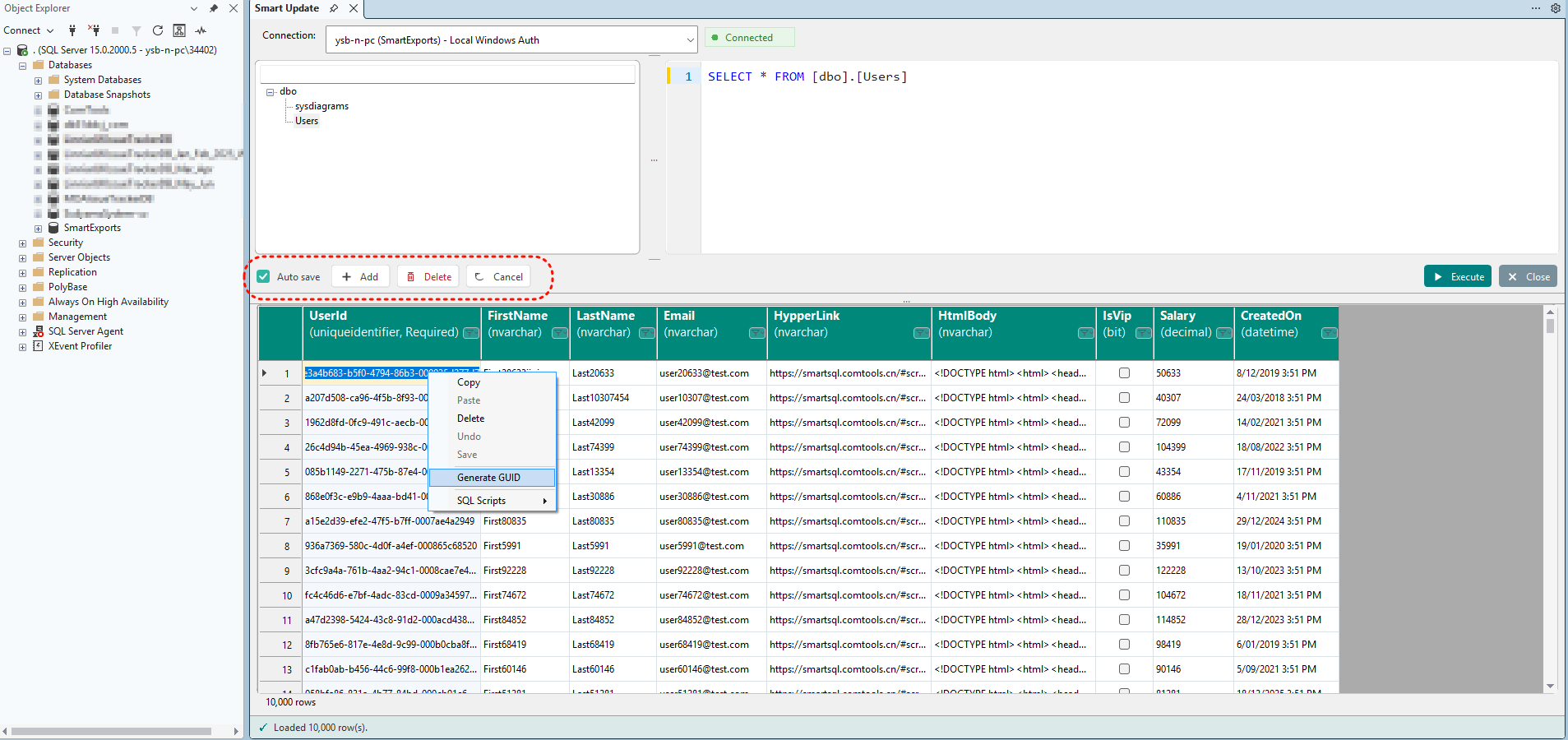
Edit database data like Excel
Unlike Smart Export's focus on polished exports, Smart Update lets you view, filter, and edit query results inline — then write changes back to SQL Server with INSERT, UPDATE, and DELETE.
Everything you need to export professionally
Powerful export tools for SQL Server developers — without leaving SSMS.
Excel Export
Polished spreadsheets with templates, zebra stripes and filters.
HTML Export
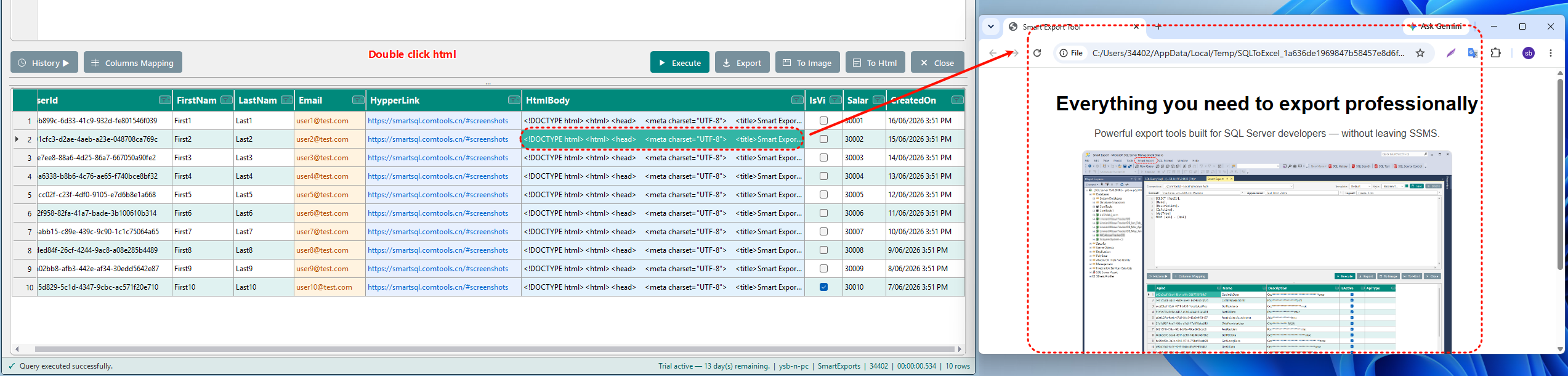
Presentation-ready HTML reports — open in your browser instantly.
Image Export
Capture query grids as high-quality images for docs and sharing.
Style Presets
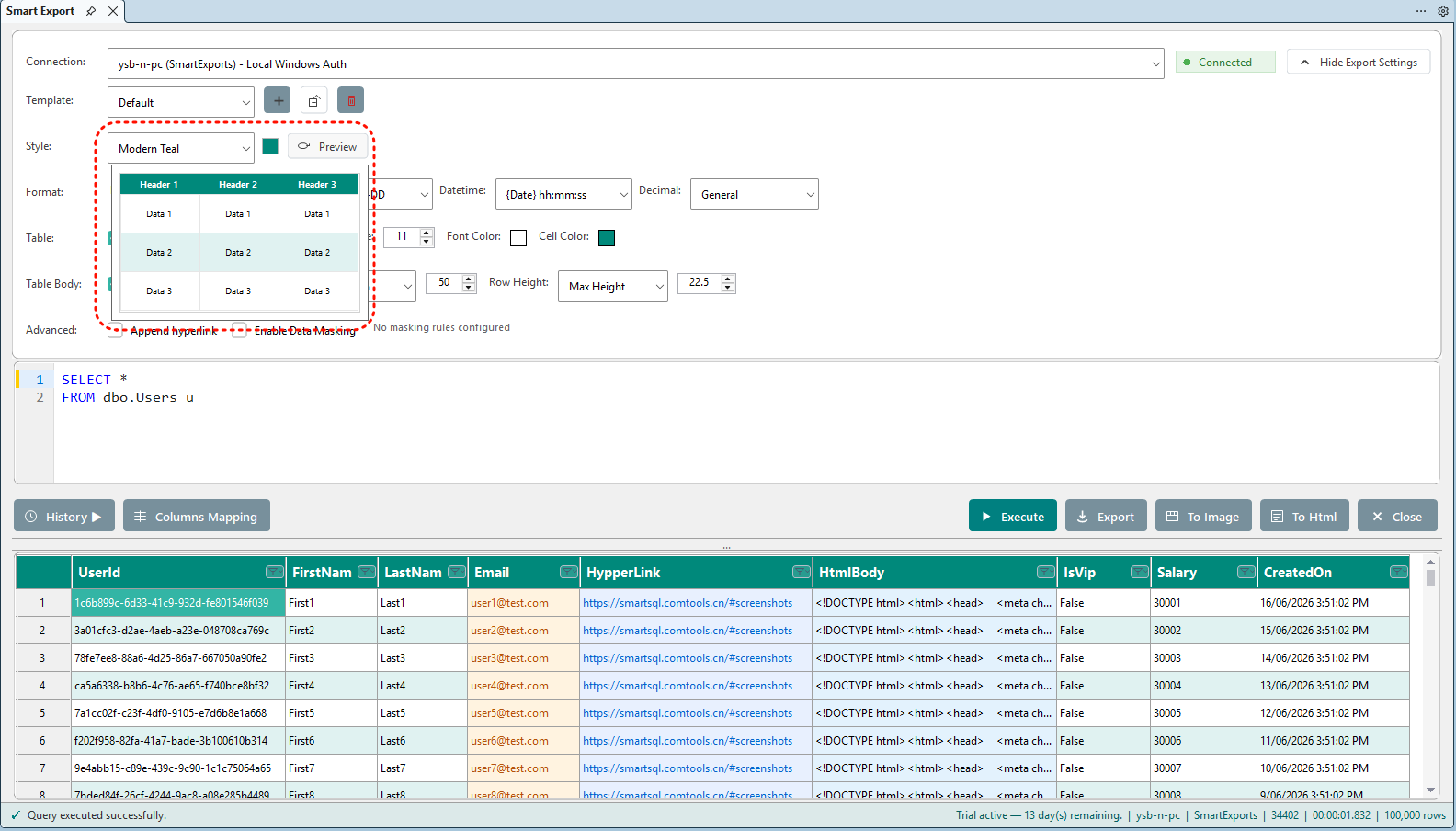
Built-in themes with live preview for headers, zebra and columns.
Data Masking
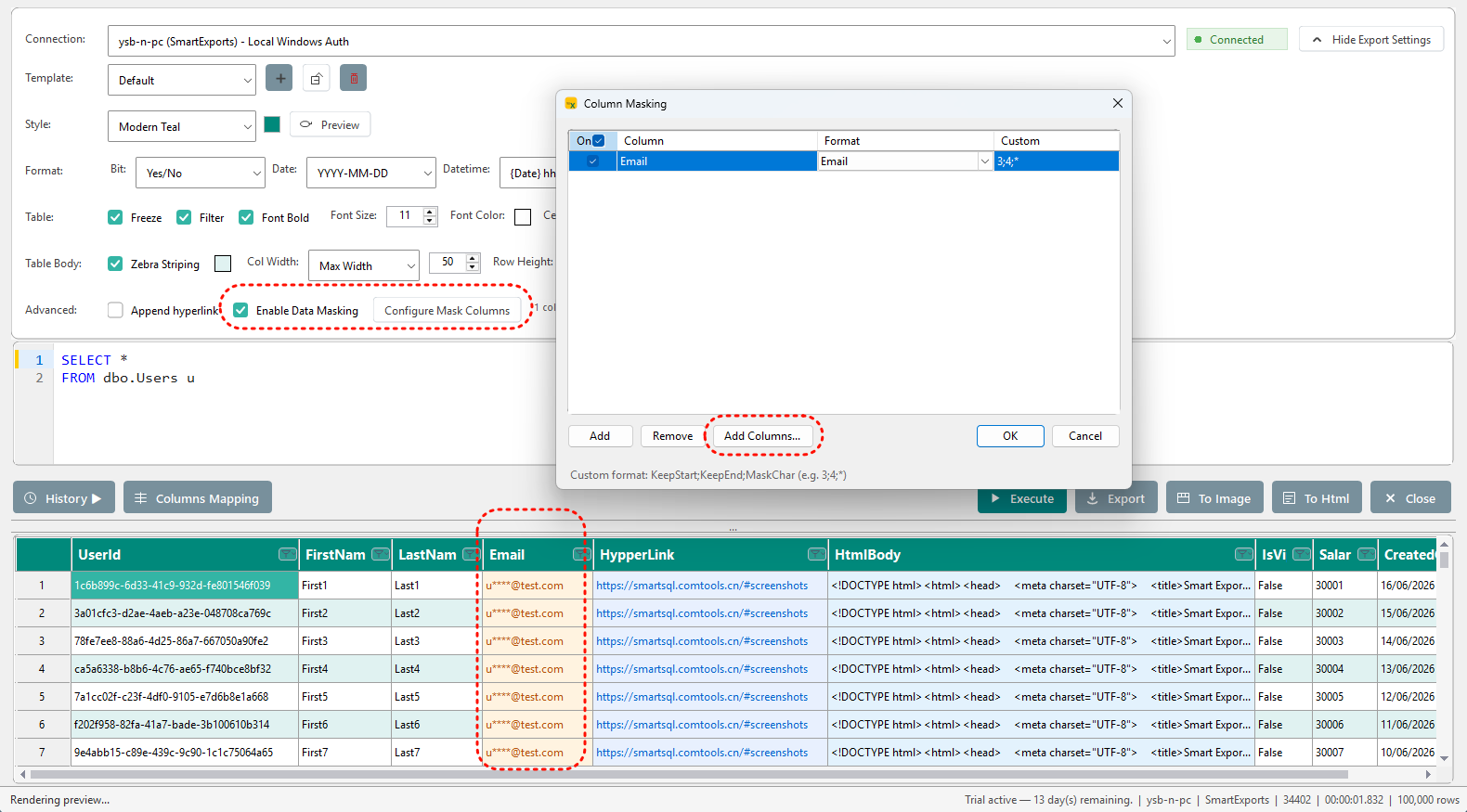
Mask sensitive columns before export with built-in or custom rules.
Native SSMS Integration
Right-click any result grid to export — lightweight and unobtrusive.
Smart Update
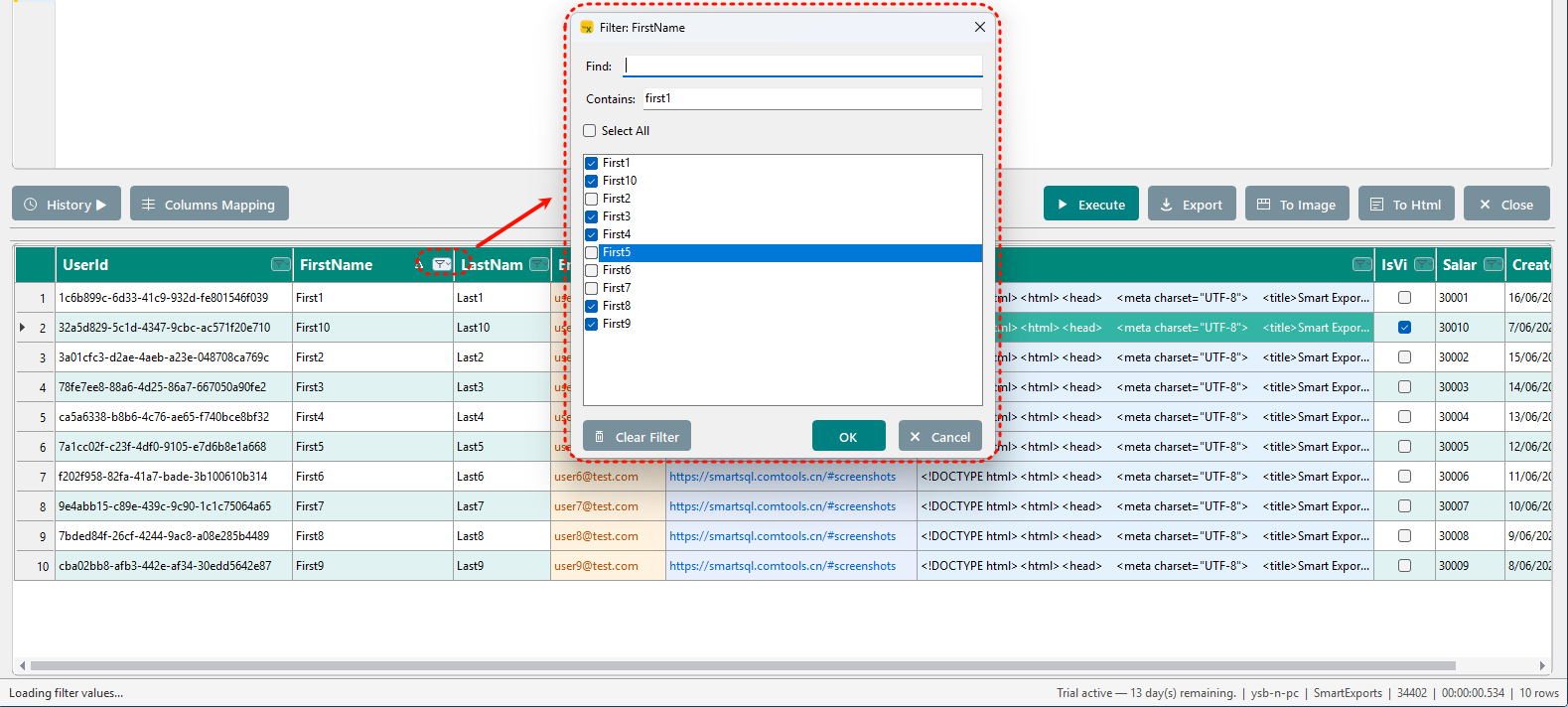
View, filter, and edit query results like Excel — then write INSERT, UPDATE, and DELETE back to SQL Server.
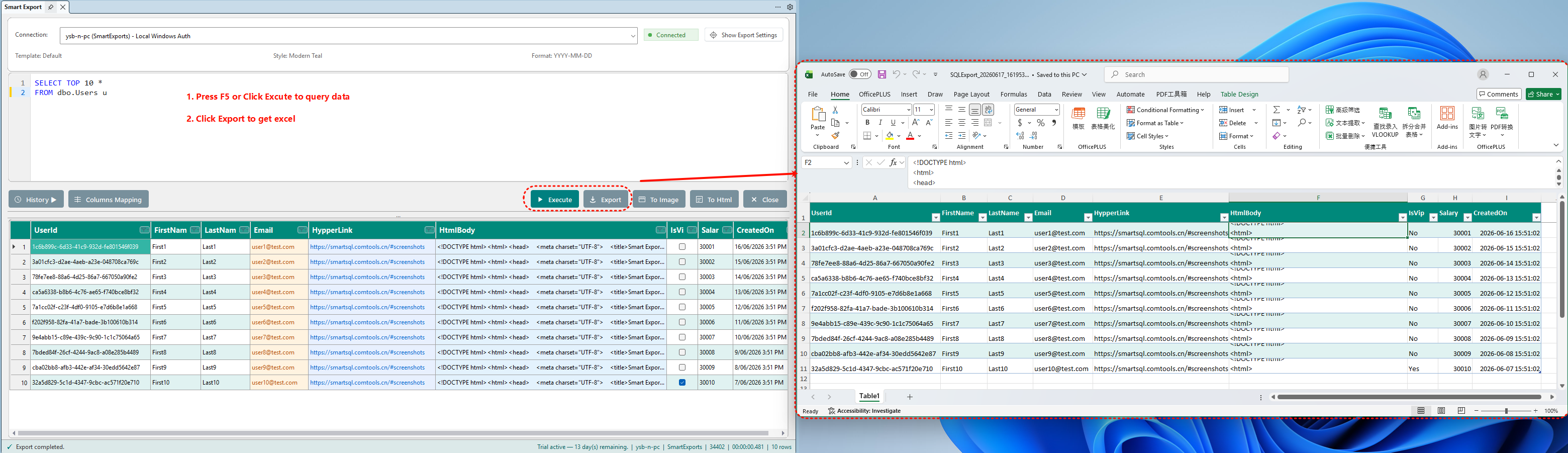
See it in action
From query results to polished exports — all within SSMS.
How it works
Install Smart Export
Download the installer, run as admin, then restart SSMS.
Open Smart Export
Write or select SQL in a query window, then open Smart Export from the menu.
Export beautiful results
Run your query, preview results, and export to Excel, HTML, CSV or image.
Simple, honest pricing
Start free. Upgrade when you need continued updates and support.
Ready to upgrade your SQL exports?
Join developers who save hours on every report. Start free — upgrade when you're ready.