Why a desktop quotation app
Cloud quoting is great for sharing links. Many teams still need:
- Customer prices and costs that must stay off the public cloud
- Reliable work at factories, trade shows, or weak networks
- Instant open / fast edits when dozens of quotes go out every day
Suishou Baojia Desktop brings the core of Quotely and TradeDocs to Windows: data stays on your PC by default, work offline, export professional PDFs.
Download details & installer · Online Quotely · TradeDocs
The installer filename is
SuishouBaojia-Setup-x.y.z.exe. The download button on the detail page and the blog pinned downloads resolve the latest version from the site’s/downloadfolder automatically.
Three advantages
1. Safer offline workflow
Day-to-day quoting does not require syncing your full customer library to a public SaaS. After install, you can review history, edit lines, and export PDF even without a network — useful for compliance-sensitive trade, engineering, and manufacturing teams.
2. Data stays on your computer
Clients, products, deal lists, company profile, and settings live locally. Back up the data folder when you change PCs. You are not blocked from quoting just because a cloud login fails.
3. Faster day-to-day use
UI and calculations run locally with fewer network round-trips. Large line items, frequent price tweaks, and batch PDF export feel snappier for high-frequency B2B quoting.
Screenshots
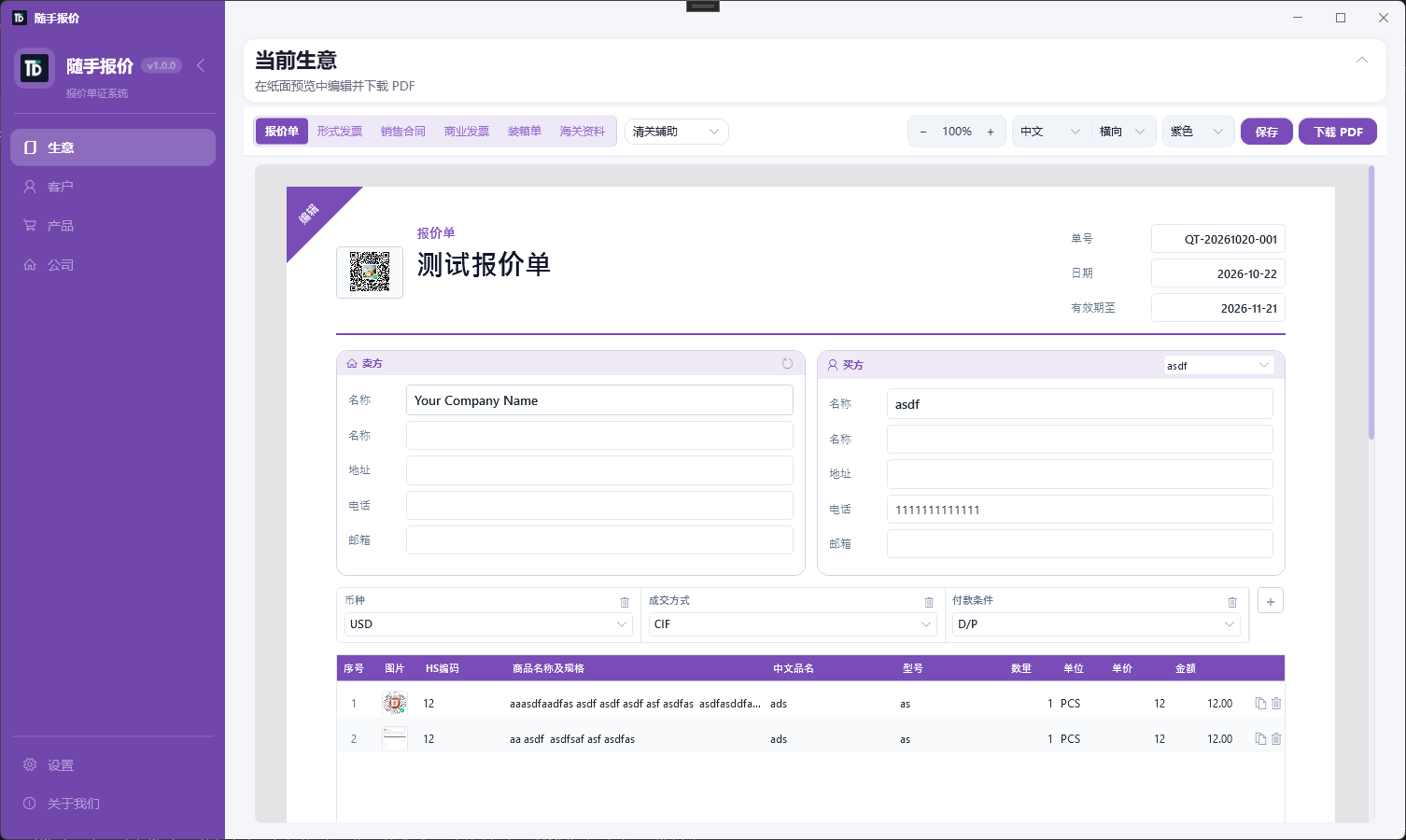
Deal / quote list
Manage quotes and follow-up documents per deal; find customers and status quickly.
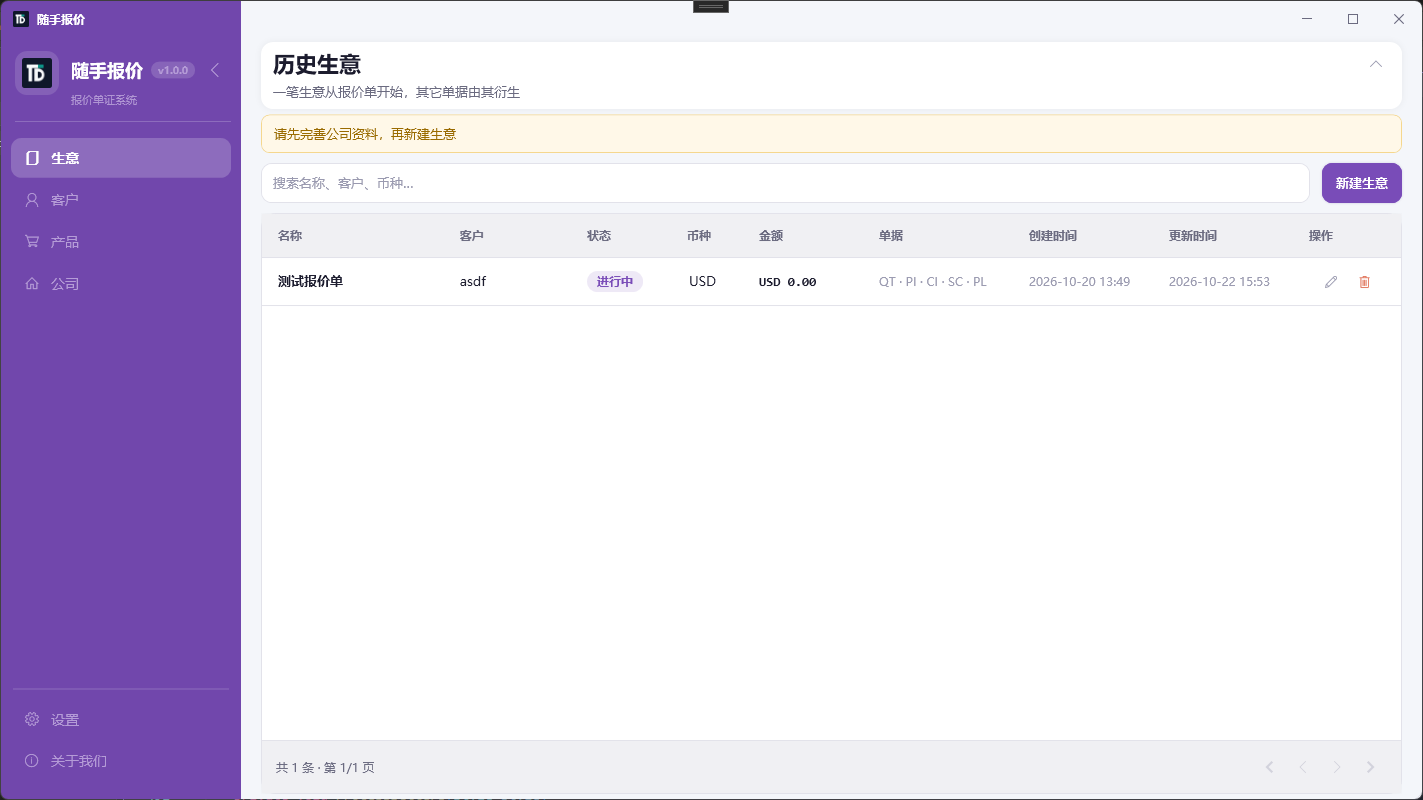
Quote editor
Lines, qty, unit price, discount, and totals on one screen — ready for customer-facing PDFs.
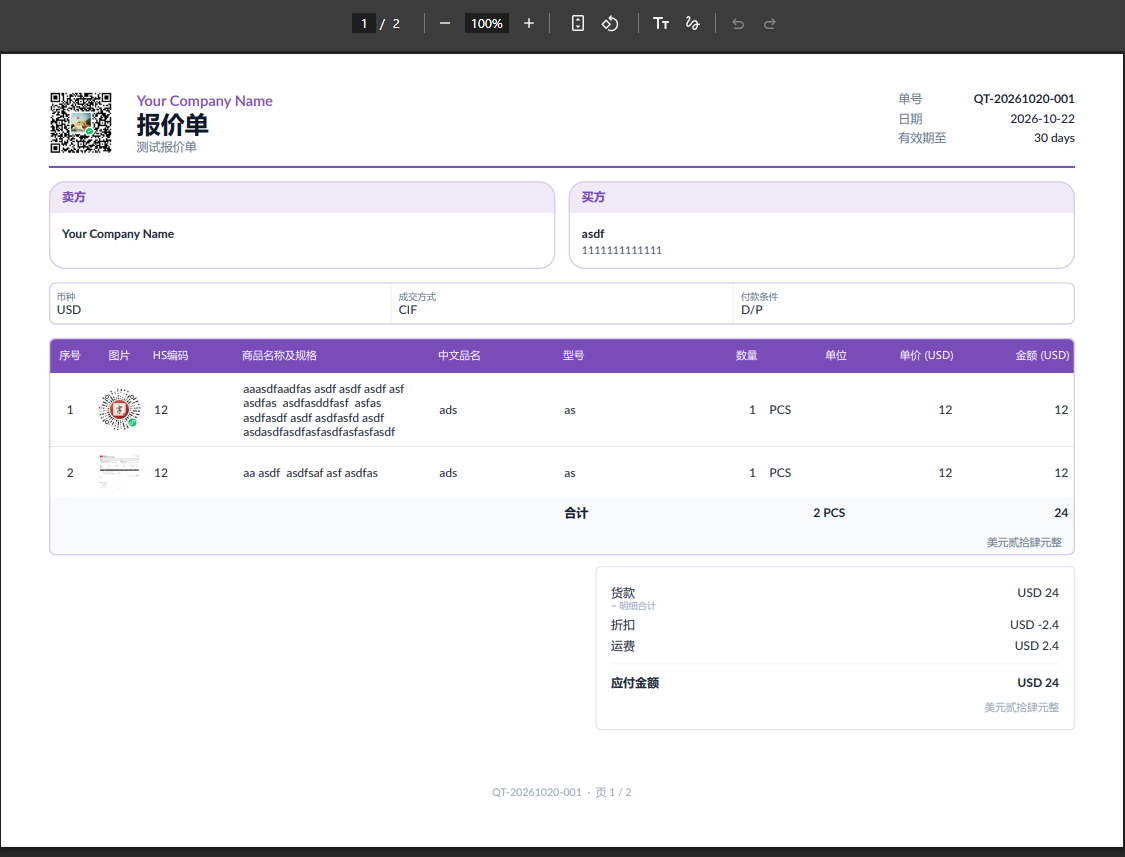
PDF preview & export
Generate clean PDFs for email or archive.
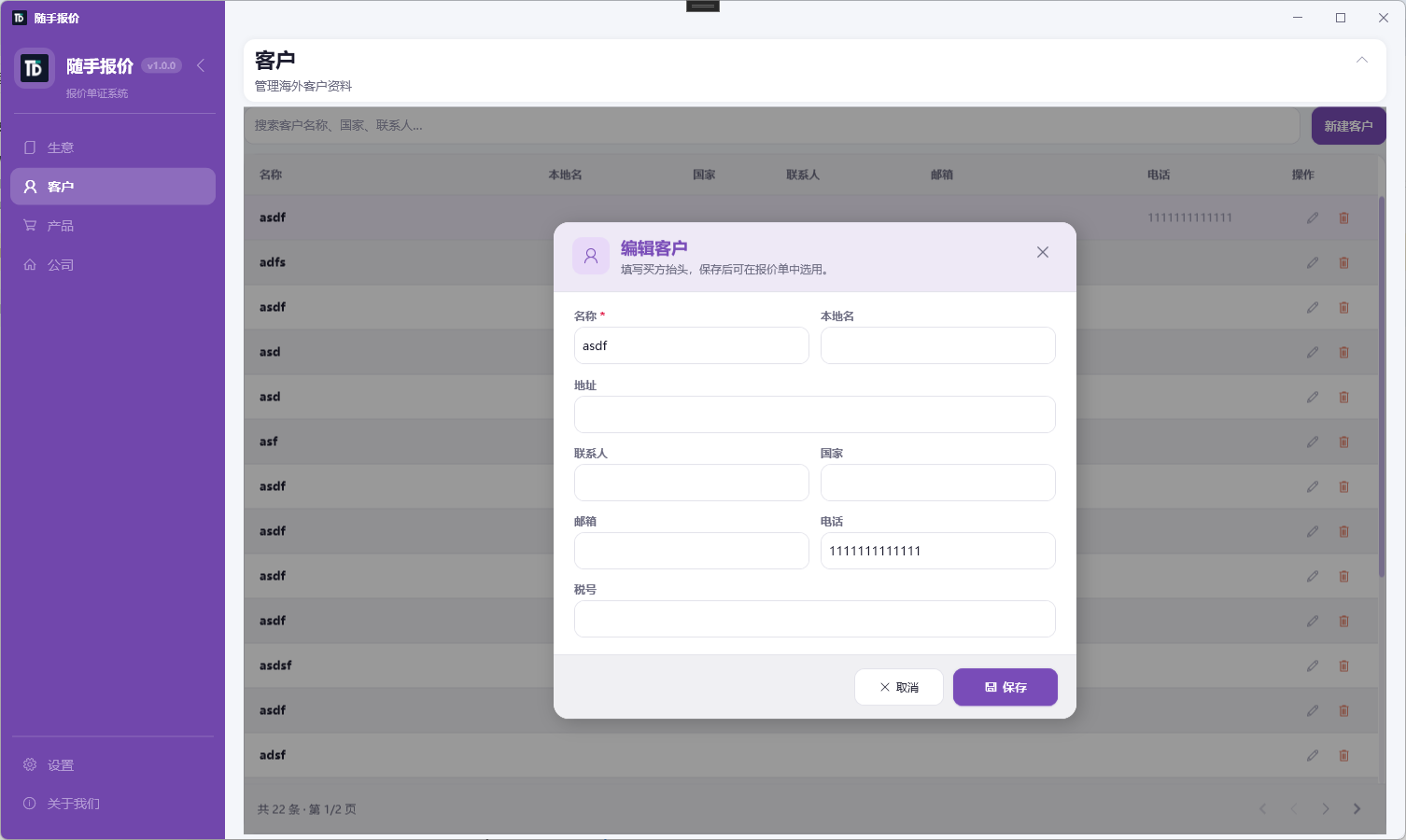
Client library
Reuse buyer letterheads and contacts instead of paste-and-pray.
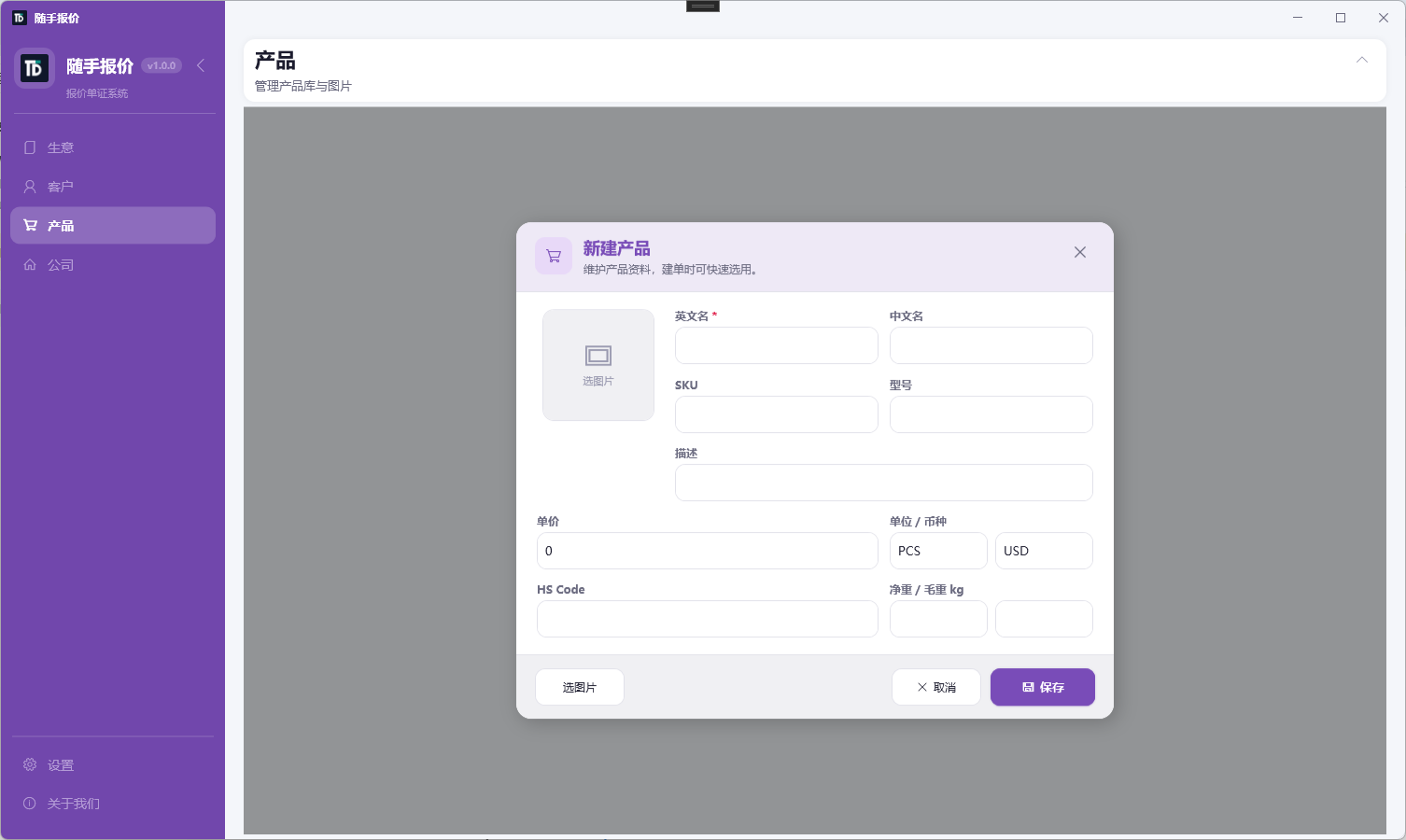
Product catalog
Specs, prices, and currency ready for the next quote.
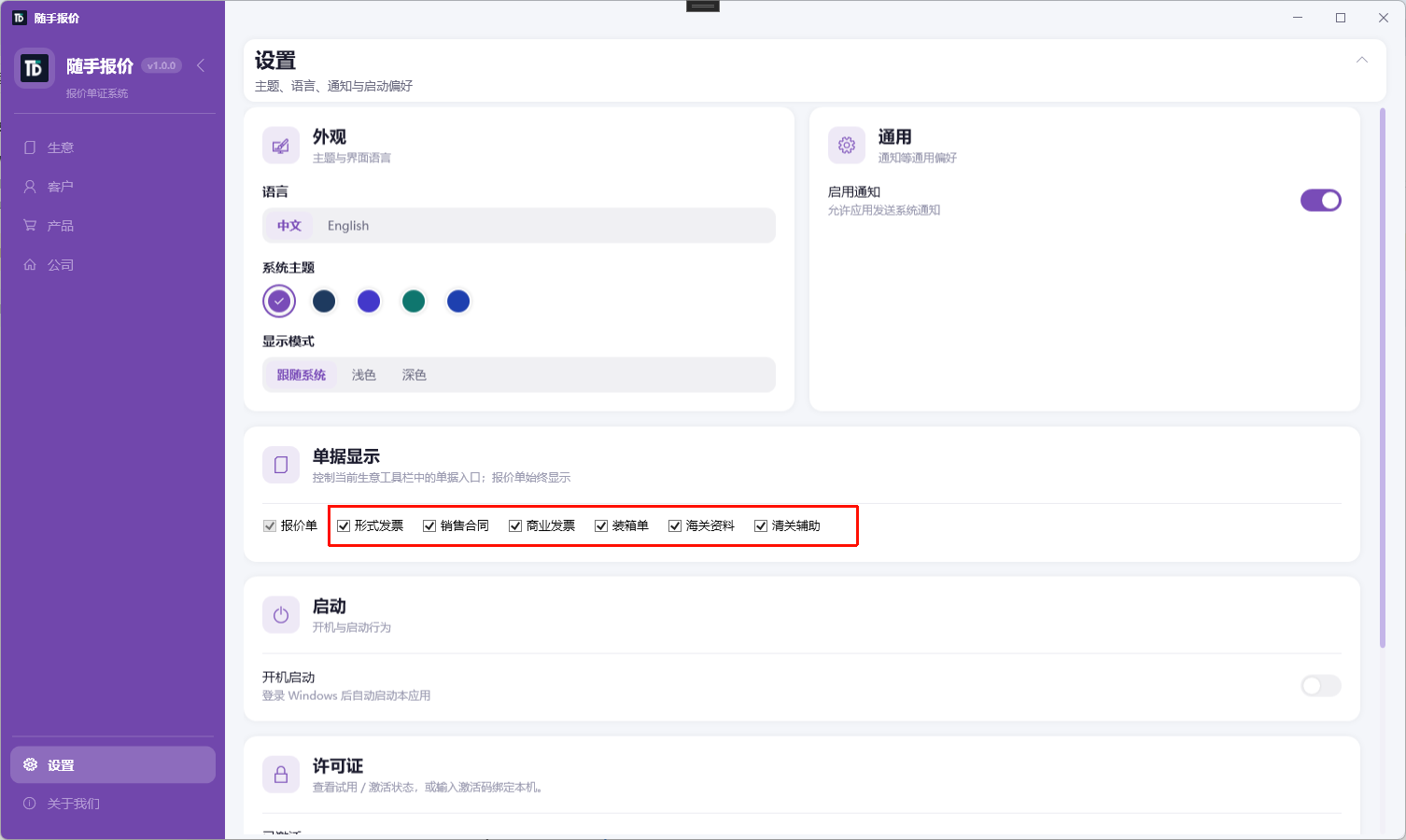
Settings
Company letterhead, logo, defaults, and export preferences in one place.
Desktop vs online
| Need | Prefer |
|---|---|
| Share links, multi-user cloud | Quotely / TradeDocs online |
| Data on PC + offline quoting | Suishou Baojia Desktop |
| One-off AI draft | AI quote generator |
| Full export doc set (QT/PI/SC/CI/PL) | TradeDocs online or desktop trade features |
Install in three steps
- Open the Suishou Baojia page (also pinned on the blog).
- Run
SuishouBaojia-Setup-x.y.z.exeon Windows. - Fill company profile and product catalog, then create a quote and export PDF.

